Best Quotation Software for Solar Companies in India: How to Create Faster & More Accurate Solar Quotations
If you run a solar installation business, you already know that a quotation is not just a document with a final price.
A typical solar customer wants to know what system you are proposing, how much it will cost, what equipment is included, what the installation covers, what the payment terms are, and what they can expect after placing the order.
And before you even reach the quotation stage, there is usually a lot of work involved.
A lead comes in. You speak with the customer. You understand their electricity requirements. Someone may visit the site. The system size is discussed. Panels, inverter, structure, cables, installation and other items are calculated. Then the customer asks for a revised price.
This is where many solar businesses start struggling with Excel, Word files and WhatsApp messages.
The problem is not creating one quotation.
The problem is managing the complete quotation process when you have dozens of leads and multiple projects at the same time.
That's why many growing solar companies are looking for dedicated quotation or business management software.
Why Solar Companies Need Better Quotation Management
Solar quotations are usually more detailed than a standard service quotation.
Depending on the project, you may need to include:
- Solar panel details
- System capacity
- Inverter
- Mounting structure
- DC and AC cables
- Protection devices
- Installation charges
- Transportation
- Labour
- Additional electrical work
- GST, where applicable
- Warranty information
- Payment terms
- Project timeline
If these details are maintained manually, even a small change can require several calculations and document revisions.
For example, a customer may initially ask for a 5 kW system and later request a different inverter or additional structure work.
Now you need to update the pricing, recalculate the total, revise the quotation and send the latest version to the customer.
When this happens every day, manual quotation management becomes a business problem.
Common Problems Solar Installers Face With Excel
Excel is useful when you're starting out. But as your solar business grows, you may notice a few familiar problems.
1. Every Quotation Starts From Scratch
Your salesperson opens an old Excel file, copies it, changes the customer name, updates the products and recalculates the total.
It works.
Until someone forgets to update one old price.
2. Product Prices Keep Changing
Panel, inverter, cable, structure and accessory prices can change.
If your quotation template contains old pricing, your margin can disappear without you realizing it.
3. Quotation Revisions Become Confusing
A customer may ask for two or three revisions.
You can end up with files such as:
Customer_Quotation.xlsx
Customer_Quotation_Final.xlsx
Customer_Quotation_Final2.xlsx
Customer_Quotation_Updated.xlsx
Which one was actually approved?
This is a small problem when you have five customers.
It becomes a serious problem when you have hundreds.
4. Leads and Quotations Are Disconnected
The customer information may be in WhatsApp.
The quotation may be in Excel.
The follow-up may be written in a notebook.
The invoice may be created somewhere else.
Your team has all the information but not in one place.
What Should Solar Quotation Software Include?
A good solution should make the quotation process faster without creating another disconnected system.
Look for features such as:
Customer and Lead Management
Store customer information, enquiries and previous interactions in one place.
Product Management
Maintain panels, inverters, structures, cables and other products with their relevant pricing.
Professional Quotations
Create branded quotations quickly without rebuilding the document every time.
GST and Tax Calculation
Calculate applicable taxes accurately and display them clearly in the quotation.
Quotation Revisions
Make changes without losing track of previous quotation information.
Follow-Up Management
Know which customers have received quotations and which ones still need a follow-up.
Invoice Conversion
Once a customer approves the quotation, move to invoicing without entering the same information again.
Inventory Connection
If the quotation is approved, the next step is usually material planning. Connecting quotations with inventory can make this workflow much easier.
Solar Quotation Software Should Follow the Real Sales Process
The best way to evaluate software is not by counting features.
Look at your actual workflow.
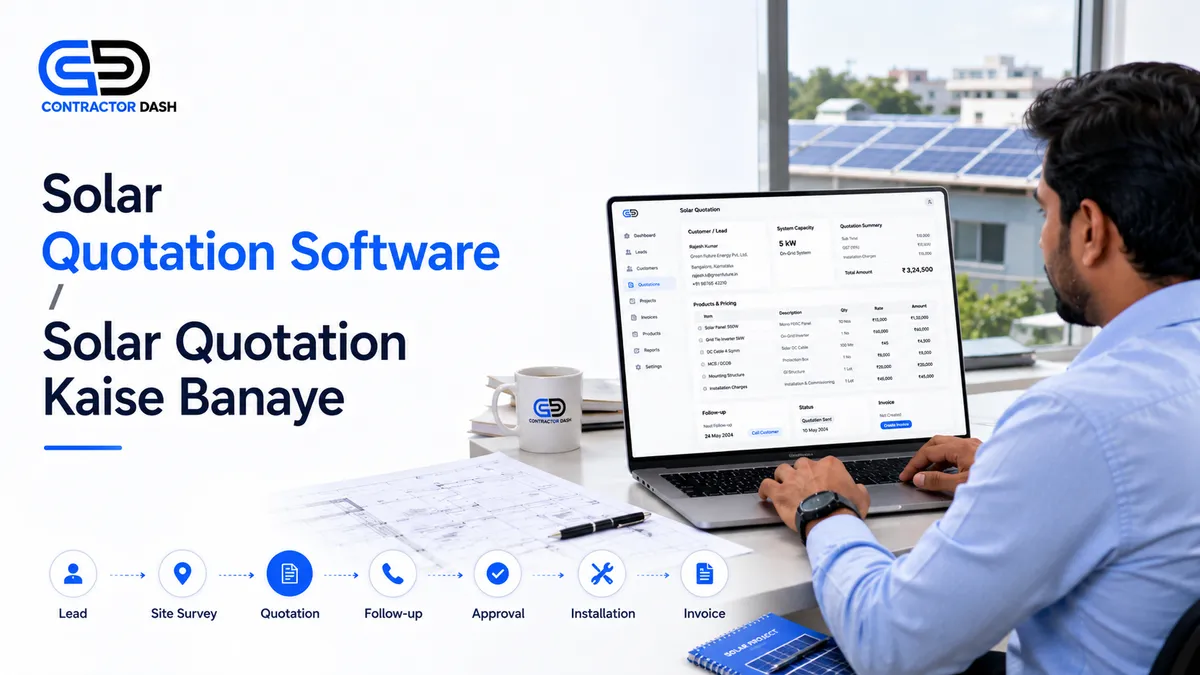
A typical solar sales process looks something like this:
Lead
↓
Customer Requirement
↓
Site Survey
↓
System Proposal
↓
Quotation
↓
Customer Follow-Up
↓
Quotation Approval
↓
Material Planning
↓
Installation
↓
Invoice
↓
Payment
If your software only handles the quotation step, you still have to manage the rest of the process somewhere else.
This is why an integrated platform can be more useful for a growing solar company.
Best Quotation Software for Solar Companies
There is no single "best" software for every solar company.
A small installer sending a few quotations every month may only need a simple quotation maker.
A growing solar company with salespeople, installers, inventory, vendors and multiple projects needs much more.
For that reason, evaluate software based on the complete workflow.
ContractorDash
Best for: Solar businesses that want quotation management connected with their wider business operations.
ContractorDash combines CRM, lead management, quotations, invoicing, inventory, project and site management, employee management, vendor management and business reporting in one platform.
For a solar business, this means your team can manage the customer journey from the initial enquiry through quotation, approval, project execution and billing without maintaining separate systems for every step.
Useful capabilities include:
- Lead capture and CRM
- Customer management
- Professional quotations
- GST-ready invoicing
- Product and inventory management
- Project and site management
- Material tracking
- Employee and attendance management
- Vendor management
- Business reports
- Multiple user access
The biggest advantage is not simply the number of features.
It is the fact that these functions can work as part of one business workflow.
Why an All-in-One Platform Can Be Better for Solar Businesses
Imagine you use:
- One CRM for leads
- One quotation tool
- One invoicing application
- One inventory system
- One project management tool
- One payroll application
Now your team has multiple logins, multiple databases and multiple places where information can be updated.
The customer exists in the CRM.
The quotation exists somewhere else.
The material list is in Excel.
The invoice is in accounting software.
The project manager has another file.
This creates unnecessary administrative work.
With an integrated platform, the same customer and business information can flow through multiple stages.
For example:
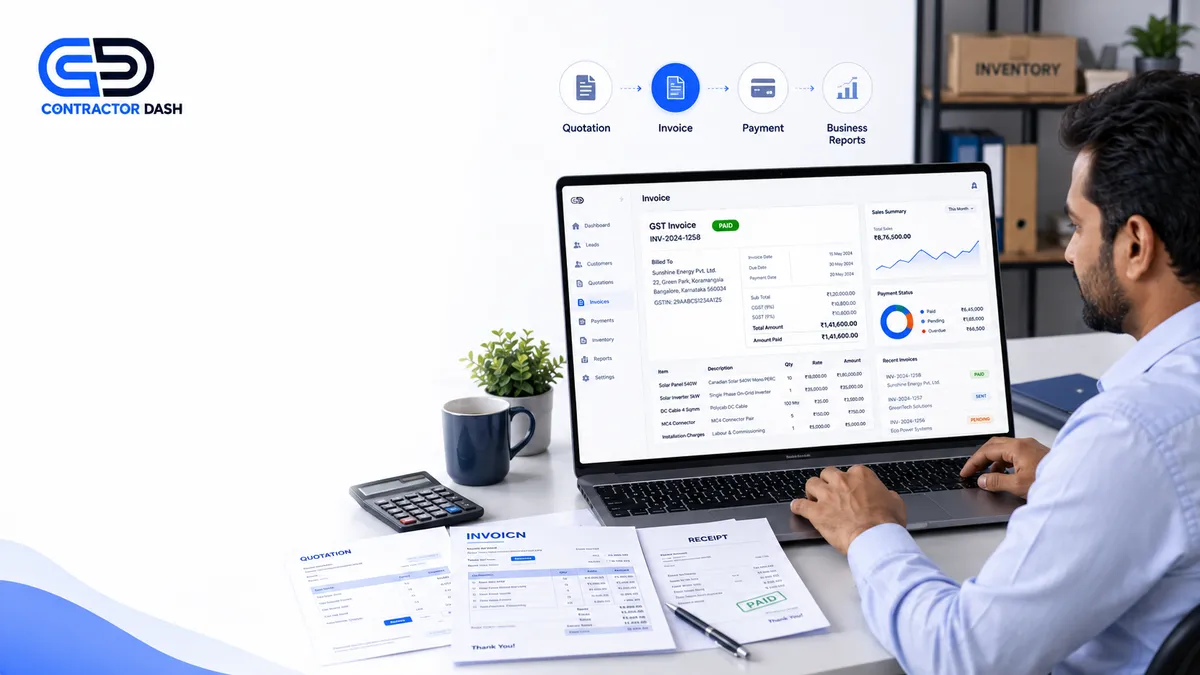
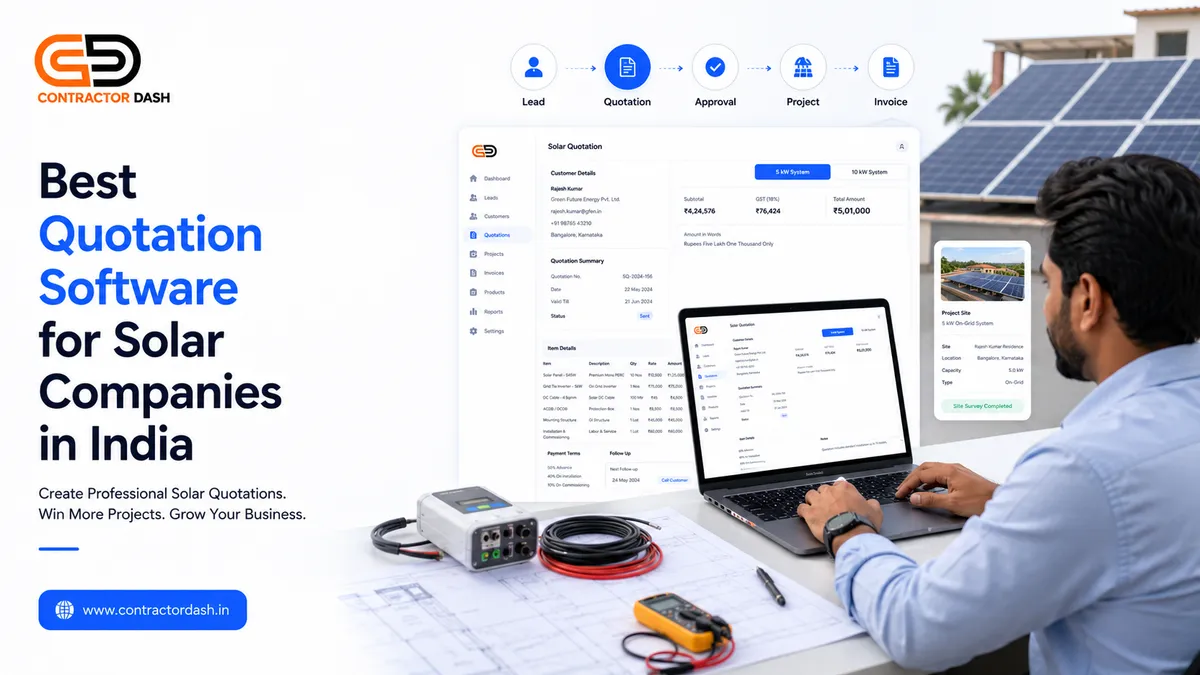
Lead → Customer → Quotation → Approval → Project → Inventory → Invoice → Report
That's a much more practical approach for a growing solar business.
How to Create a Better Solar Quotation
Software helps, but the quotation itself still needs to be useful to the customer.
A professional solar quotation should clearly explain what the customer is buying.
Start With Customer Information
Include:
- Customer name
- Contact information
- Site location
- Quotation number
- Quotation date
Clearly Explain the Proposed System
Mention the proposed system capacity and the major equipment included.
For example:
- Solar panels
- Inverter
- Mounting structure
- Cables
- Protection equipment
- Installation
The customer should understand the scope without needing to call your sales team for every detail.
Show the Cost Clearly
Break down the major components and show the final amount clearly.
If applicable, show taxes separately so there is no confusion about the final price.
Add Payment Terms
Clearly explain when payments are expected.
For example:
- Advance
- Material delivery
- Installation milestone
- Final payment
The exact terms will depend on your business and project.
Mention Important Conditions
Include relevant information such as:
- Quotation validity
- Installation timeline
- Warranty terms
- Scope exclusions
- Customer responsibilities
- Additional work conditions
Clear terms can prevent misunderstandings later.
How Software Can Help You Close Solar Leads Faster
Creating a quotation is only one part of winning a solar project.
The customer may still be comparing three or four installers.
That's why follow-up matters.
After sending a quotation, your team should know:
- When it was sent
- Who is responsible for the lead
- When to follow up
- What the customer asked for
- Whether a revision is required
- Whether the customer approved or rejected it
A CRM-connected quotation workflow makes this easier.
Instead of asking your salesperson, "What happened to this customer?", the information can be visible in the system.
What Solar Business Owners Should Look for Before Buying Software
Before choosing quotation software, ask these questions:
Can I manage leads and quotations together?
If not, you may still need another CRM.
Can I convert an approved quotation into an invoice?
This can save considerable duplicate data entry.
Can I manage products and inventory?
Important if you stock panels, inverters, cables and other materials.
Can I manage projects and sites?
Useful when you have multiple installations running simultaneously.
Can multiple employees use the system?
Important for sales teams, managers, accounts teams and field staff.
Can I see business reports?
Management needs to know which leads, quotations and projects are generating revenue.
When Should a Solar Company Move Beyond Excel?
You probably don't need complex software on day one.
But consider upgrading when:
- You receive many enquiries every month.
- Multiple salespeople create quotations.
- You frequently revise quotations.
- You maintain a large product list.
- You have multiple installation sites.
- You manage inventory.
- You frequently lose track of follow-ups.
- You spend too much time preparing reports.
- Different departments maintain separate data.
At that point, software is no longer just a convenience.
It becomes part of your operating system.
Frequently Asked Questions
What is solar quotation software?
Solar quotation software helps solar companies create, manage and track customer quotations for solar products and installation projects.
Can solar quotation software calculate GST?
Many business software solutions support tax calculations and GST-ready documents. The exact tax treatment should be configured according to the applicable transaction and your business's tax requirements.
Can I create quotations for different solar system sizes?
Yes. A suitable quotation system should allow you to create different product and pricing combinations for different customer requirements.
Can solar quotation software manage leads?
Some quotation tools are standalone, while integrated business platforms combine quotation management with CRM and lead tracking.
Can I convert a solar quotation into an invoice?
Many integrated business platforms support quotation-to-invoice workflows, reducing the need to enter the same customer and product information again.
Is quotation software useful for small solar installers?
Yes. A small installer may start with a simple quotation tool, but an integrated system becomes increasingly useful as leads, customers, products and projects increase.
Can my sales team use the same software?
Many business management platforms support multiple users and role-based access, allowing sales, accounts, operations and management teams to work from the same system.
Final Thoughts
For a solar business, a quotation is not just a price sheet.
It is part of the complete sales process.
If your team spends hours preparing quotations, searching through Excel files, checking WhatsApp messages, updating prices and manually creating invoices, the problem isn't simply that quotation creation takes too long.
Your entire workflow is disconnected.
The better approach is to connect the journey:
Lead → Customer → Quotation → Follow-Up → Approval → Project → Material → Invoice → Payment
That's where an integrated business management platform becomes valuable.
ContractorDash brings CRM, quotations, invoicing, inventory, project and site management, employee management, vendor management and business reporting together so your solar business can manage more of its daily workflow from one platform.
Instead of buying separate software for every department, you can build one connected workflow around your business.
Ready to simplify your solar business?
Book a ContractorDash demo and see how your team can manage leads, quotations, customers, projects, materials and invoices from one connected platform.